Upload
Start with a pet, a place, a flower, or anything you love.
Approved vector image patterns · 图纸商店
A new way to make meaningful art
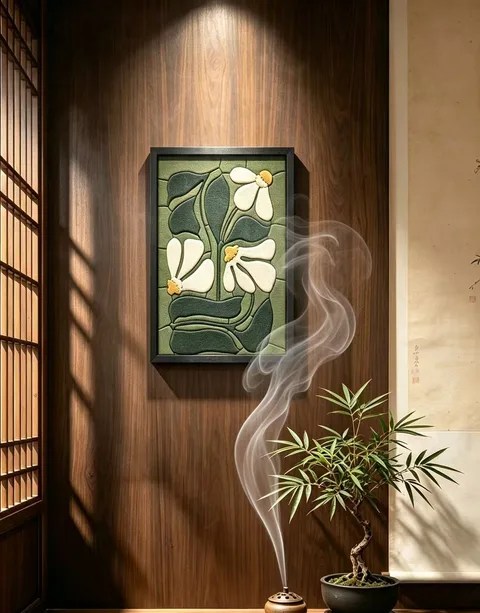
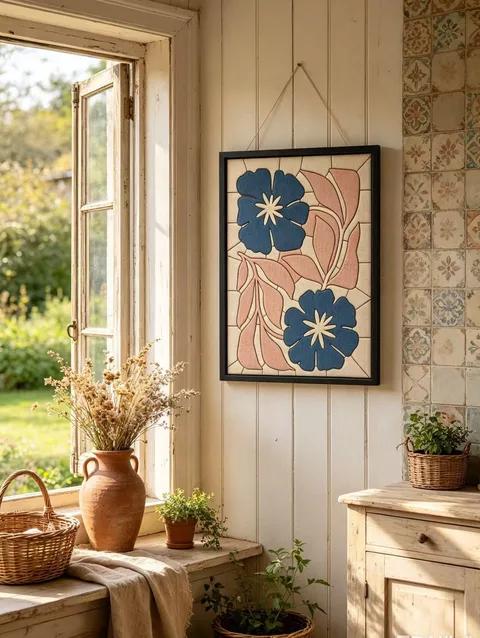
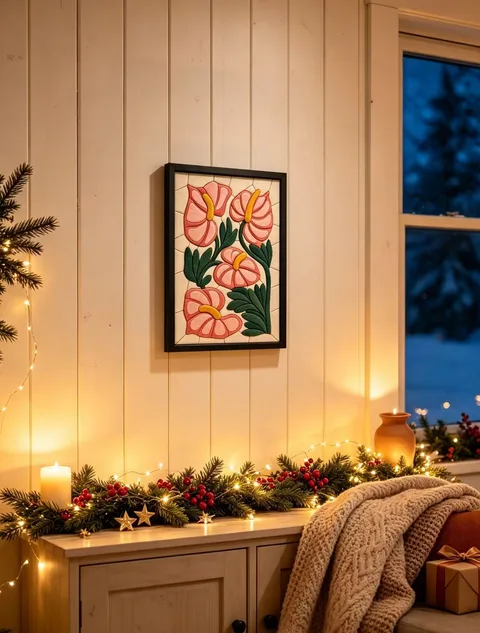
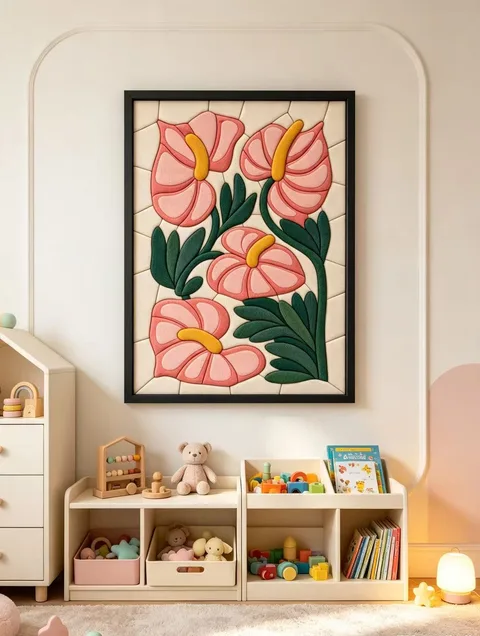
Upload a favorite image. We transform it into a personalized fabric art kit with a laser-cut board, frame, and carefully matched fabrics.
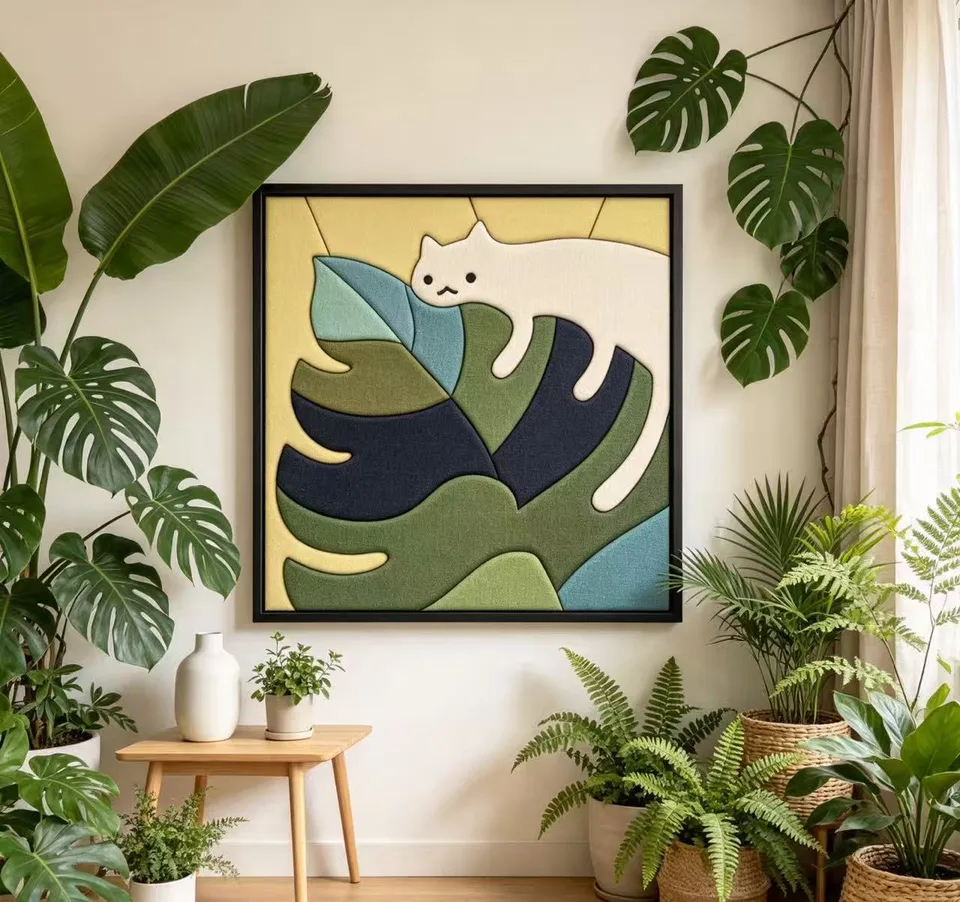 Made piece by piece.
The simple version
Start with a pet, a place, a flower, or anything you love.
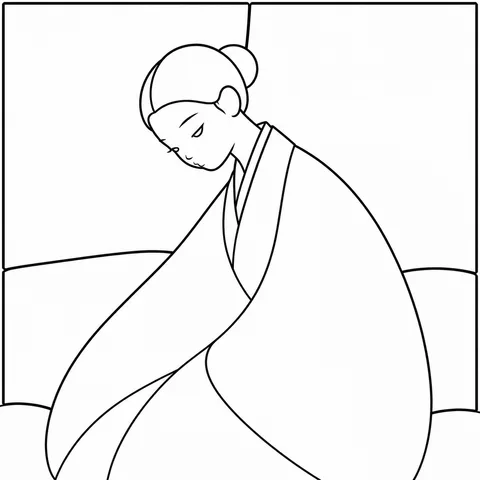
We turn your image into a production-ready fabric art design for your review.
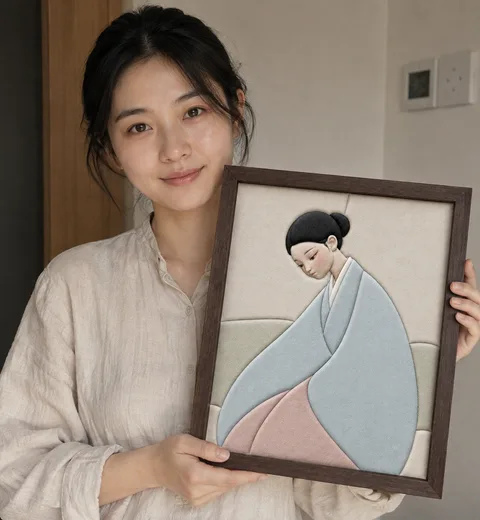
Receive your board, fabrics, and frame. Make it piece by piece.
Watch the craft
A closer look at the hands, materials, and quiet rhythm behind this kind of making.
The journey
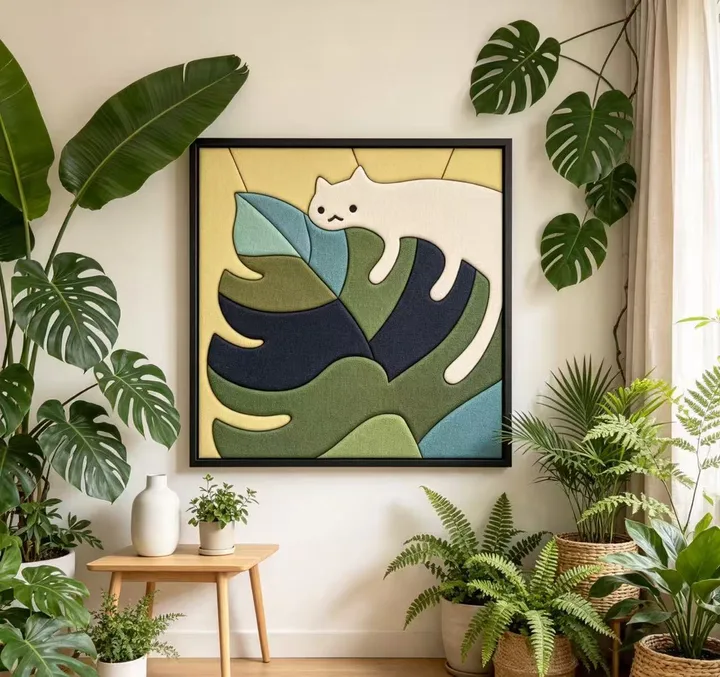
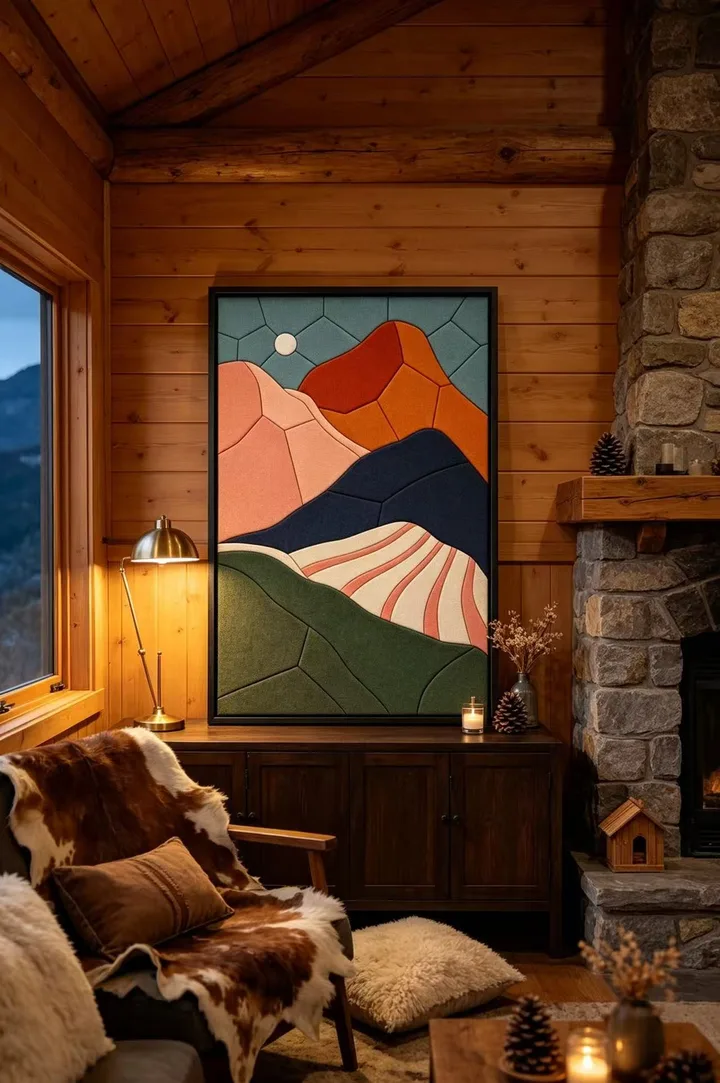
Notes from makers
Real projects, shared as little conversations.
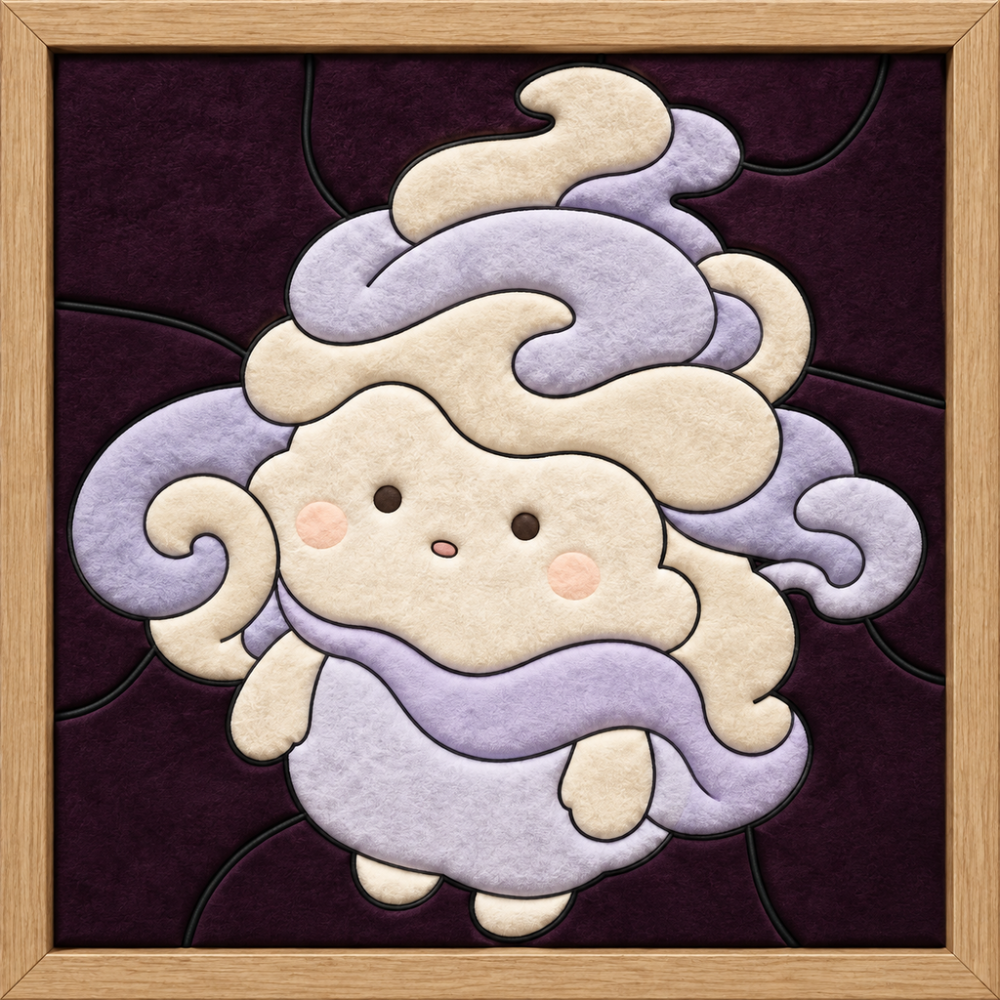
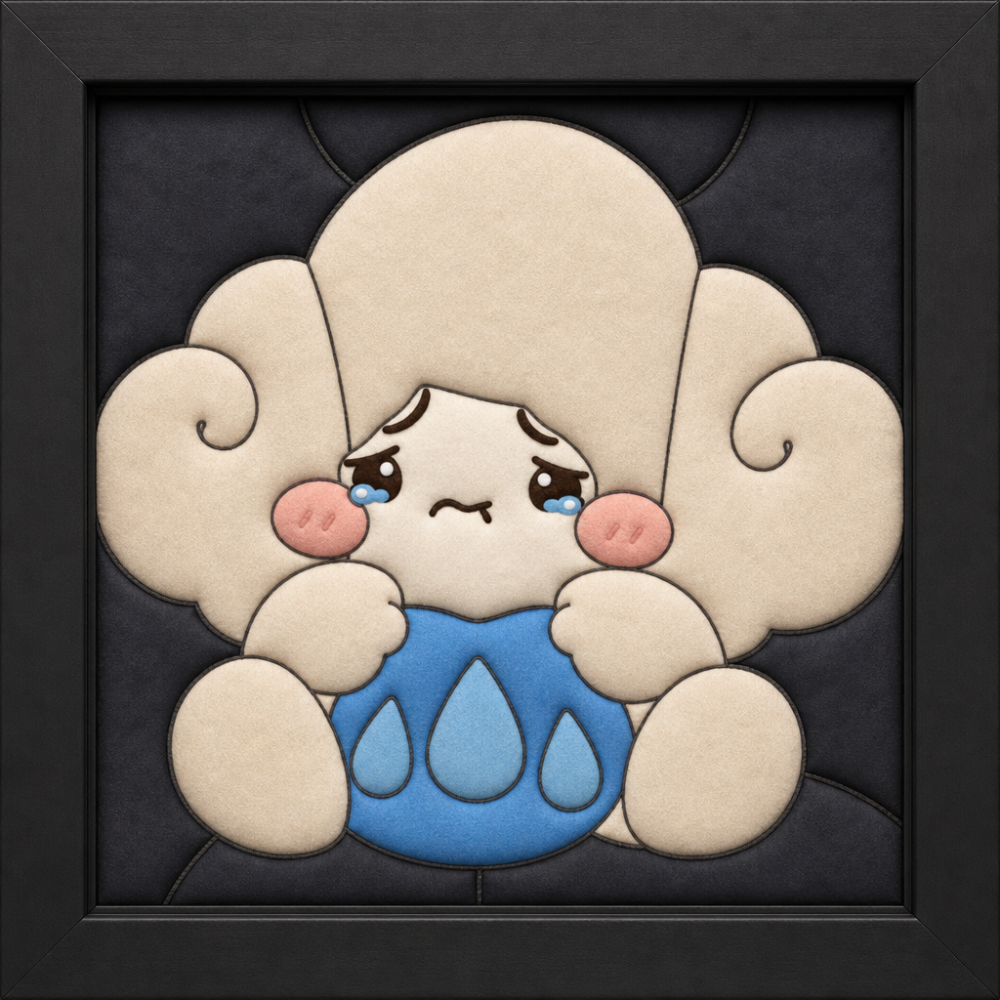
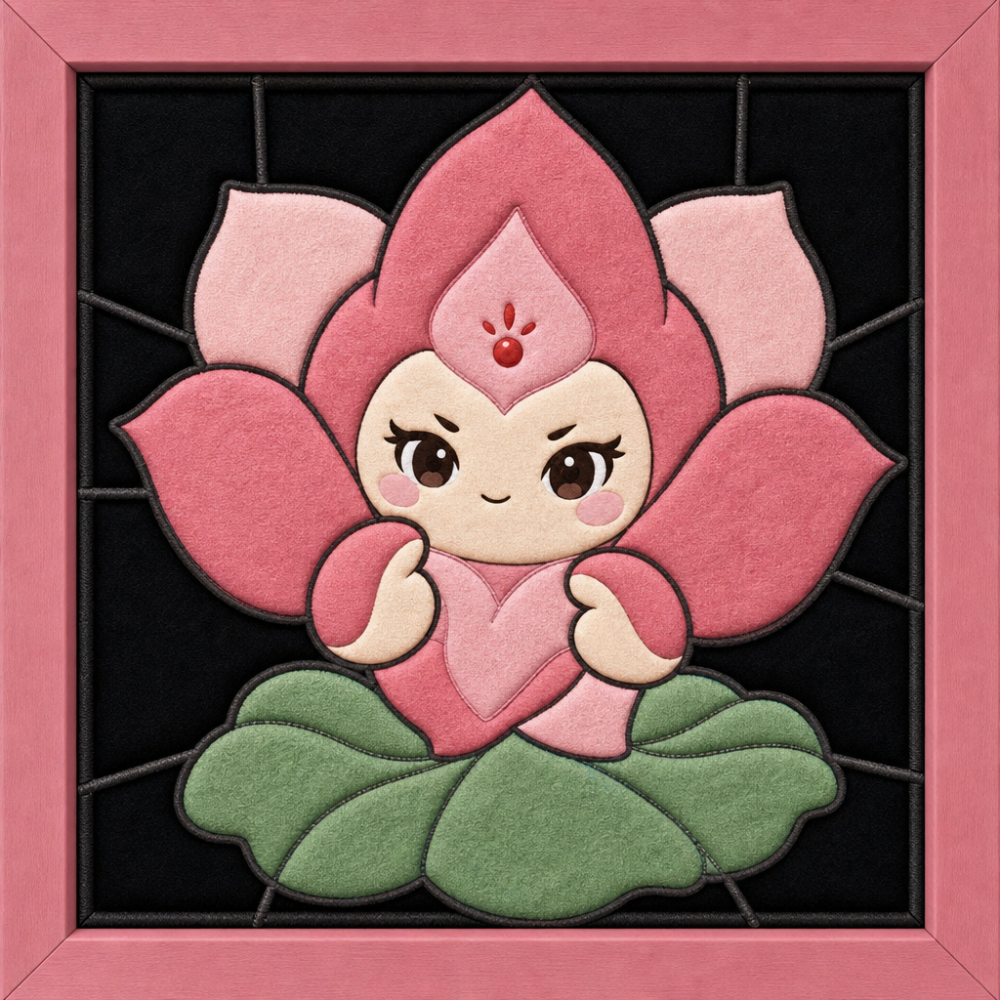
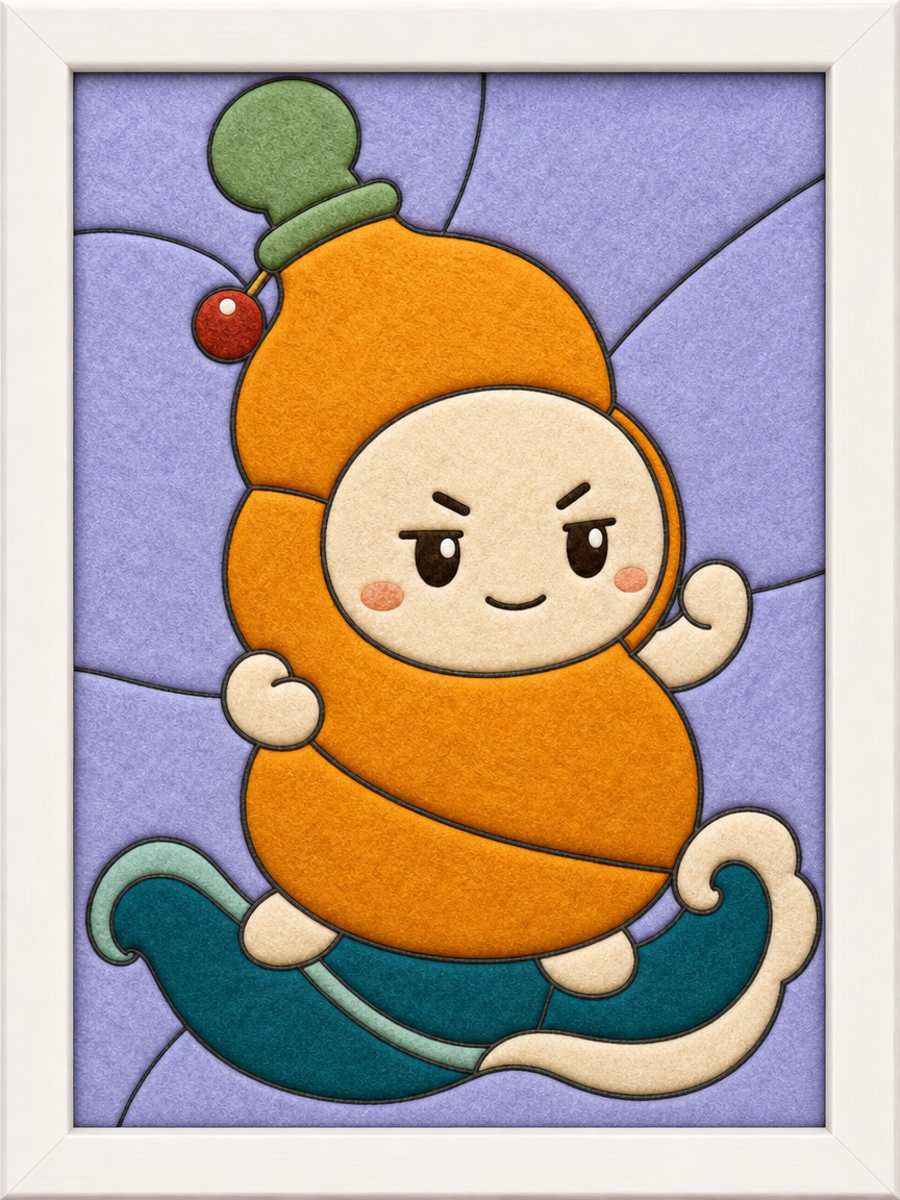
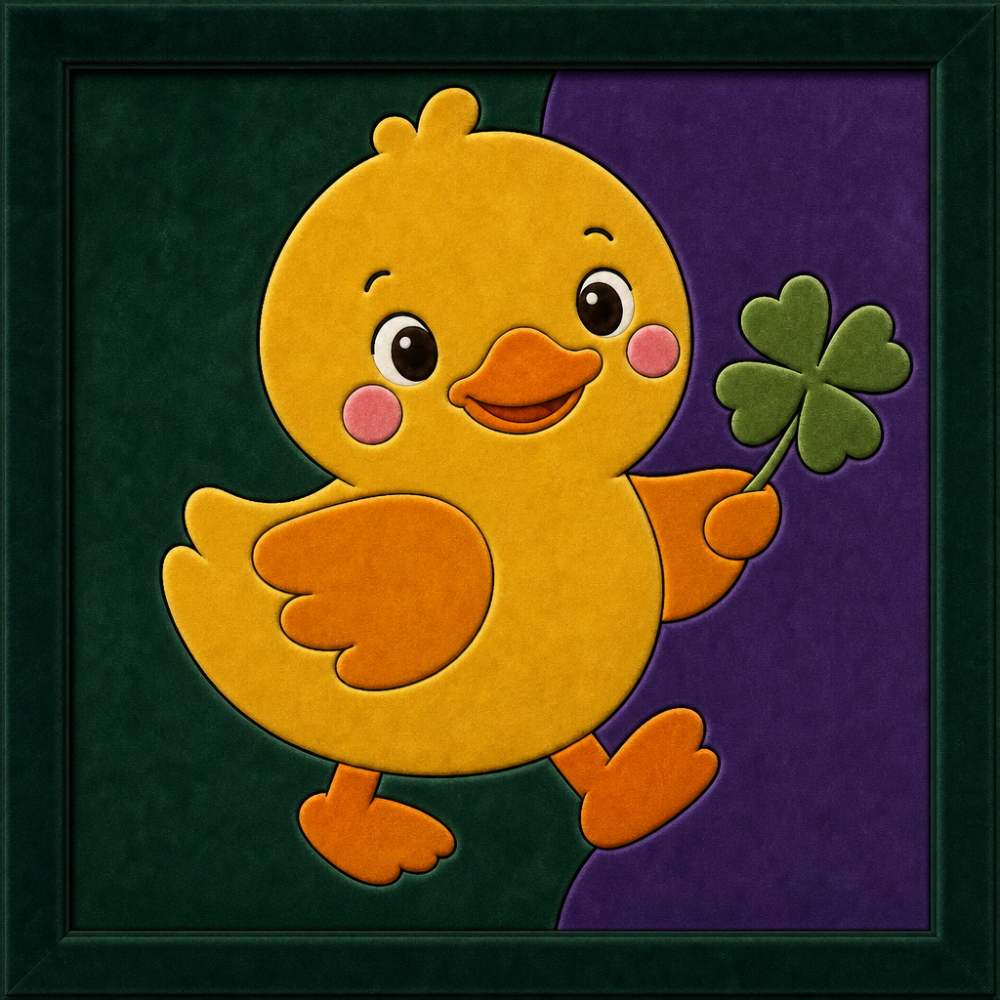
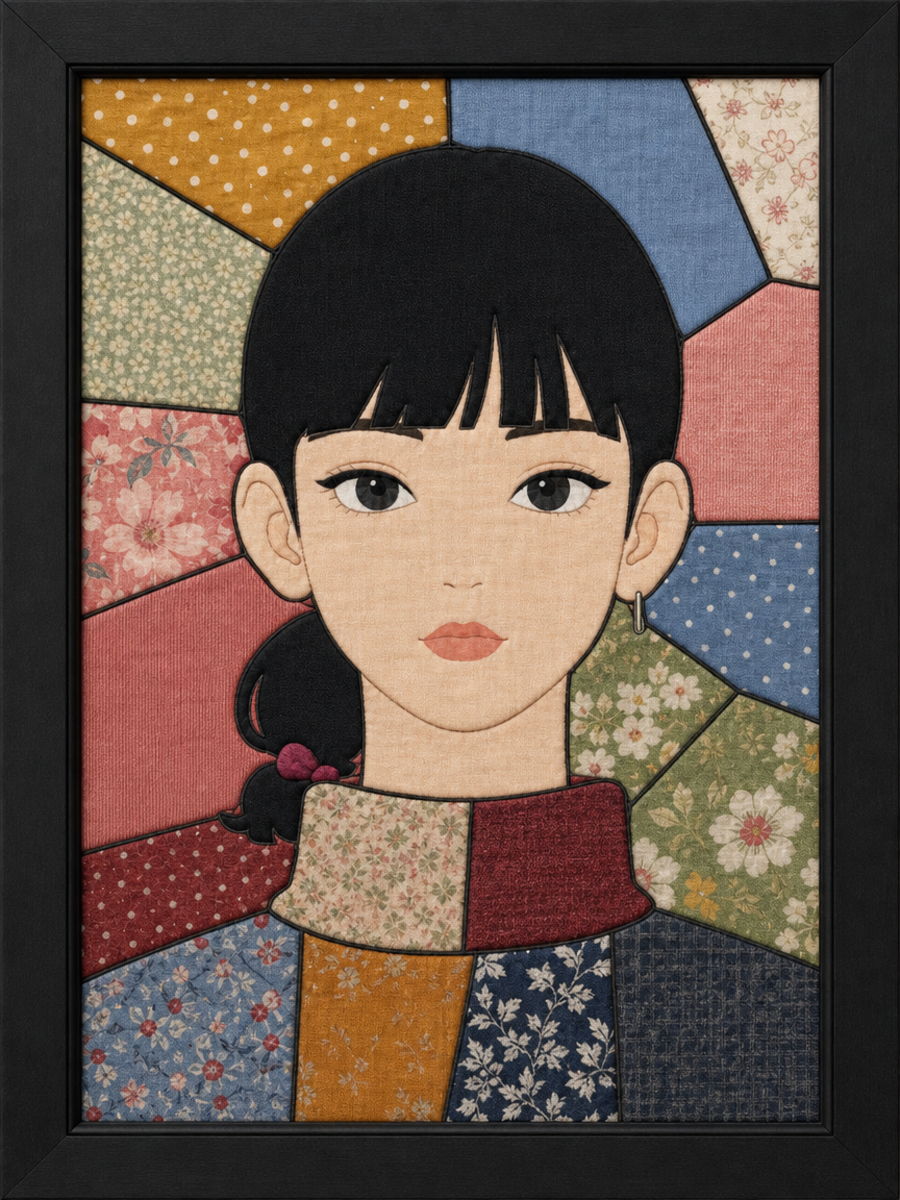
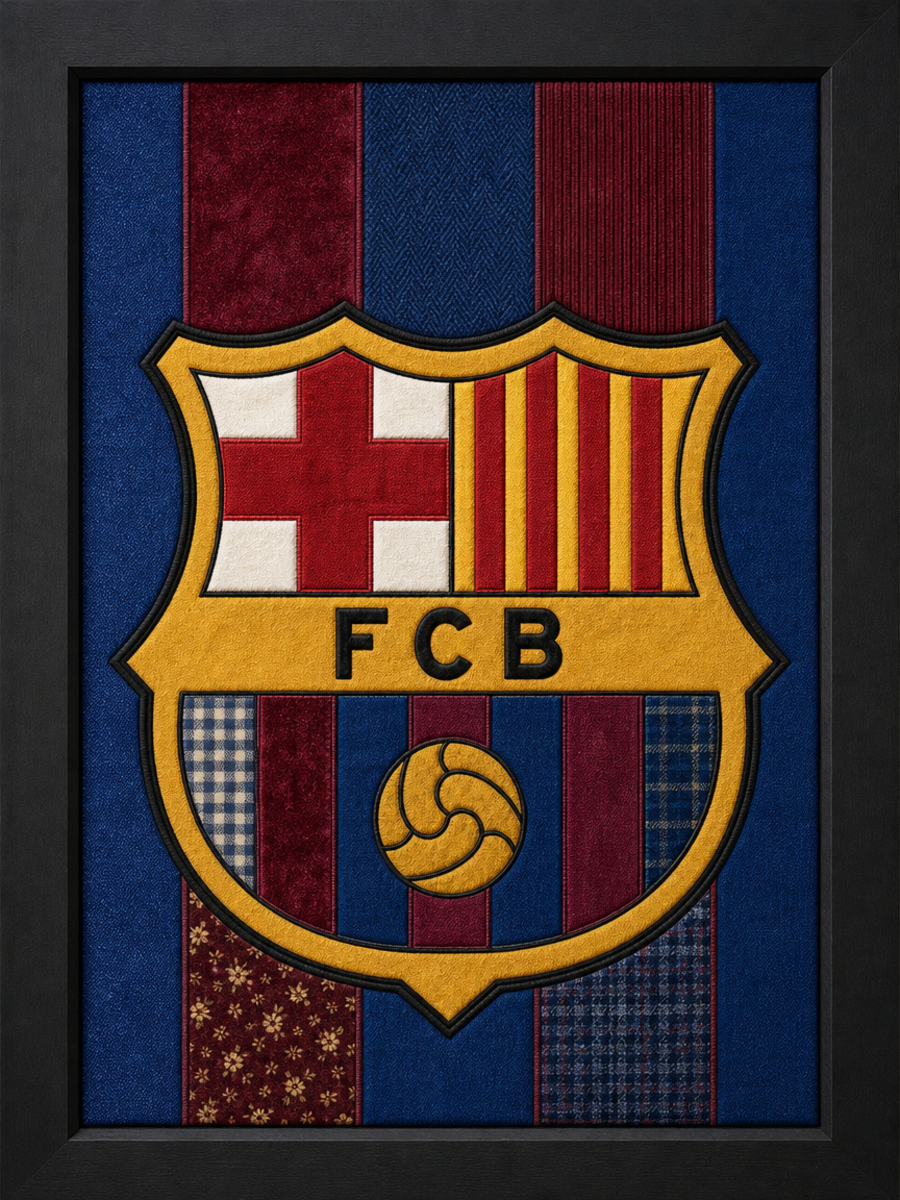
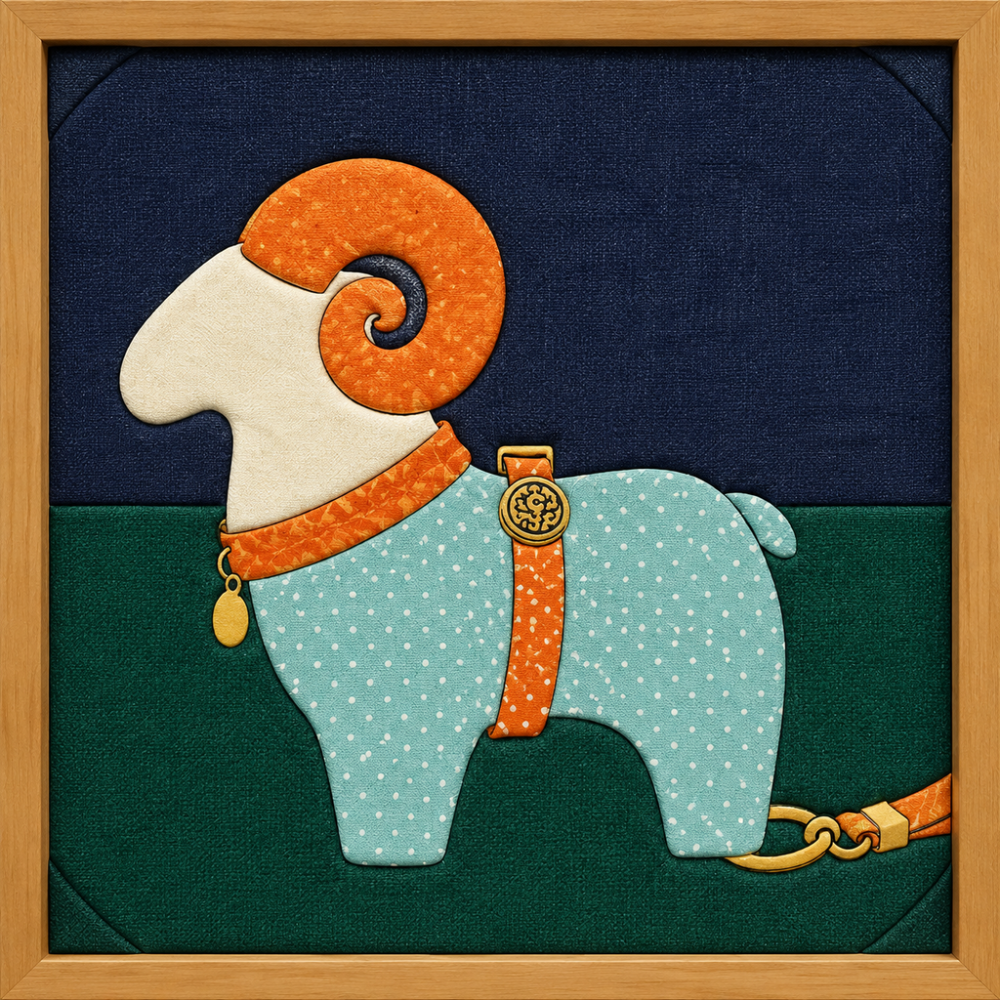
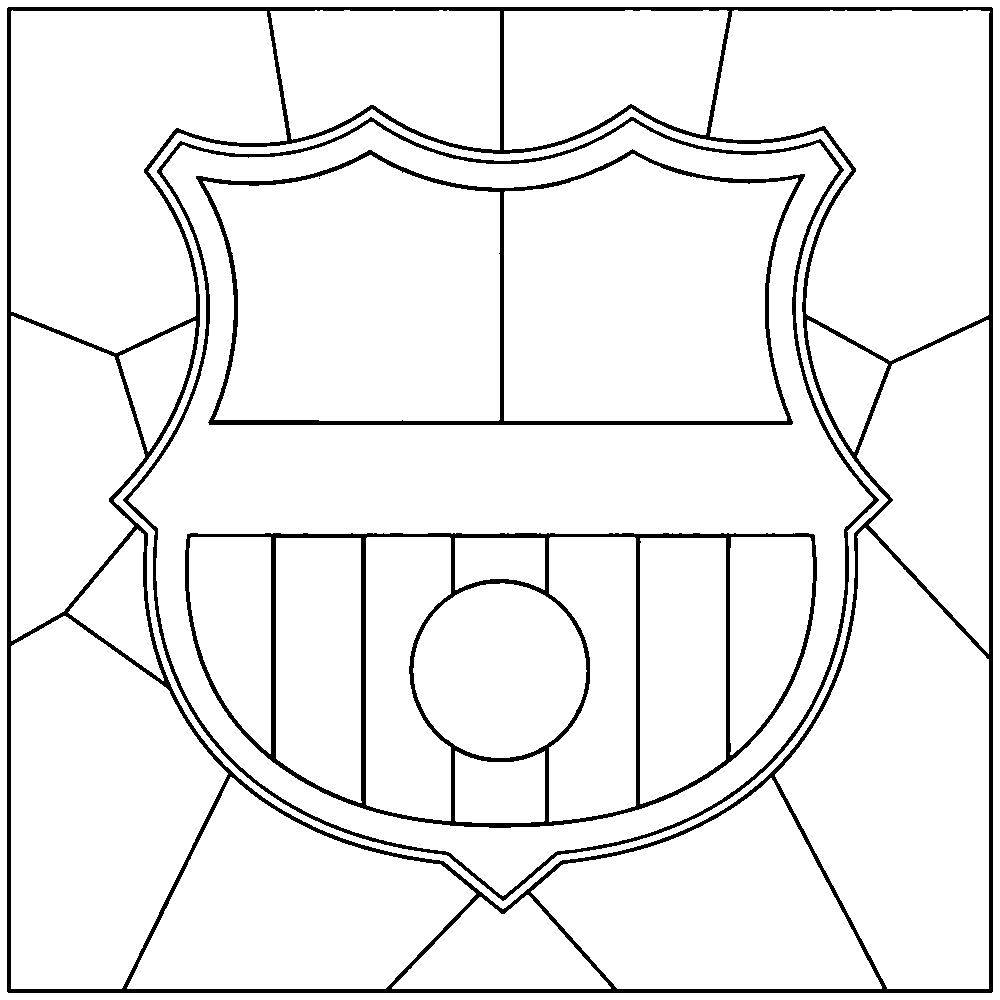
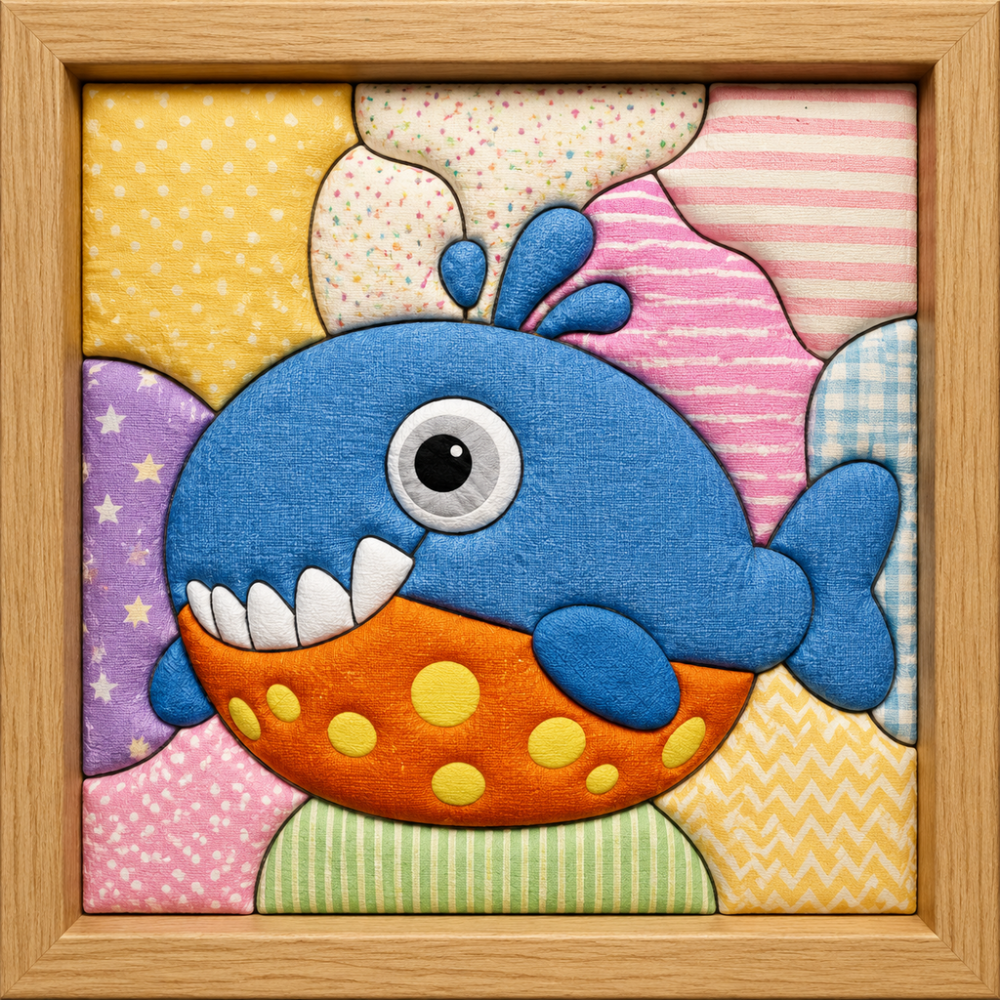
The Cloth2.Art process
A guide to designing your artwork, ordering a kit and making it by hand.
Open My Studio and select Start to Design. Upload a photo, illustration, pet portrait, flower, building, landscape, or character that has a clear subject and personal meaning.
Upload your image, then select the frame size and ratio. Review the crop, flat drawing, topology and black-line design in the conversation.
The piece count is a starting target. Final kit pricing uses the actual closed regions in the finished design. The maker will manually refine the design before cutting.
If generation times out, use the retry option. You can reopen saved designs from Designs → Open design.
After your effect image is ready, order a matching handmade material kit. Review the contents, selected frame size and $68 USD total, then choose your delivery address.
The kit total is $68 USD. Choose a saved address or add a new one, check the details, and place your order.
Your order is saved before payment. Continue to PayPal; production begins after receipt is confirmed. The maker can refine the artwork directly in the order.
Receive an in-app message and email when handmade production is completed and when your order ships. Messages are beside your name on the homepage.
Unpaid orders expire after 24 hours; payments under verification are retained. Confirm completion after arrival, or it completes automatically after three days.
When your physical kit arrives, follow the included guide. Cut the fabrics, secure them with the board’s adhesive, and use the pressing needle to tuck each edge into the grooves.
Use the extra fabrics to try variations. Check the edges and fit the work into the frame.
Photograph your finished artwork or record a making video. Show the frame clearly and share what inspired the piece.
The letter in your kit invites you to share a making video. Keep your order information so the maker can review the work for a possible credit reward.
After reviewing a making video, the maker may award extra site credits for generating more AI designs. Rewards require review and are not granted automatically just by posting a video.
Kit discounts, shipping-credit redemption and creator cash payouts are not part of the current checkout.
The fabric edges are tucked into the prepared board’s grooves instead of stitched. Follow the assembly instructions for your kit and check which tools you need to supply.
Start with an image you own or have permission to use. Choose the size and crop, then review the AI-assisted design before ordering. Simple shapes and a clear subject are easier to translate into fabric.
A vector image pattern is a digital file. A board, matched fabrics and frame belong to a separate material-kit order. Check the product and checkout details before paying.
Your creative account
Save every image, design, and finished fabric artwork in your personal studio.
Sign in to continue making.
By continuing, you agree to our Terms and Privacy Policy.
Your creative workspace
Completed designs, newest first.
12″ (4:3) · Graphic modern
8″ (3:4) · Natural fabric