Turn your photo into custom Kinusaiga
A favorite photo can become the starting point for a handmade fabric picture. Cloth2.Art helps you move from an uploaded image to an AI-assisted design, then to a custom fabric art kit you assemble yourself.
Choose an image with a clear subject
Use a photo where the important subject stands apart from the background. Good contrast and a simple composition help when the picture is divided into fabric regions. Pets, flowers and memorable places can all provide starting points. Use an image you own or have permission to adapt; uploading an image does not give you rights to someone else’s work.
Planning a Kinusaiga pet portrait
Choose a photo with clearly visible eyes, ears and the outline of the face. A plain background helps keep attention on your pet. In the design preview, check the features that make the animal recognizable: markings, muzzle shape and the relationship between the eyes and ears. Fine fur is interpreted as larger fabric areas, so expect a stylized portrait rather than a photographic copy.
From an image to a Kinusaiga pattern
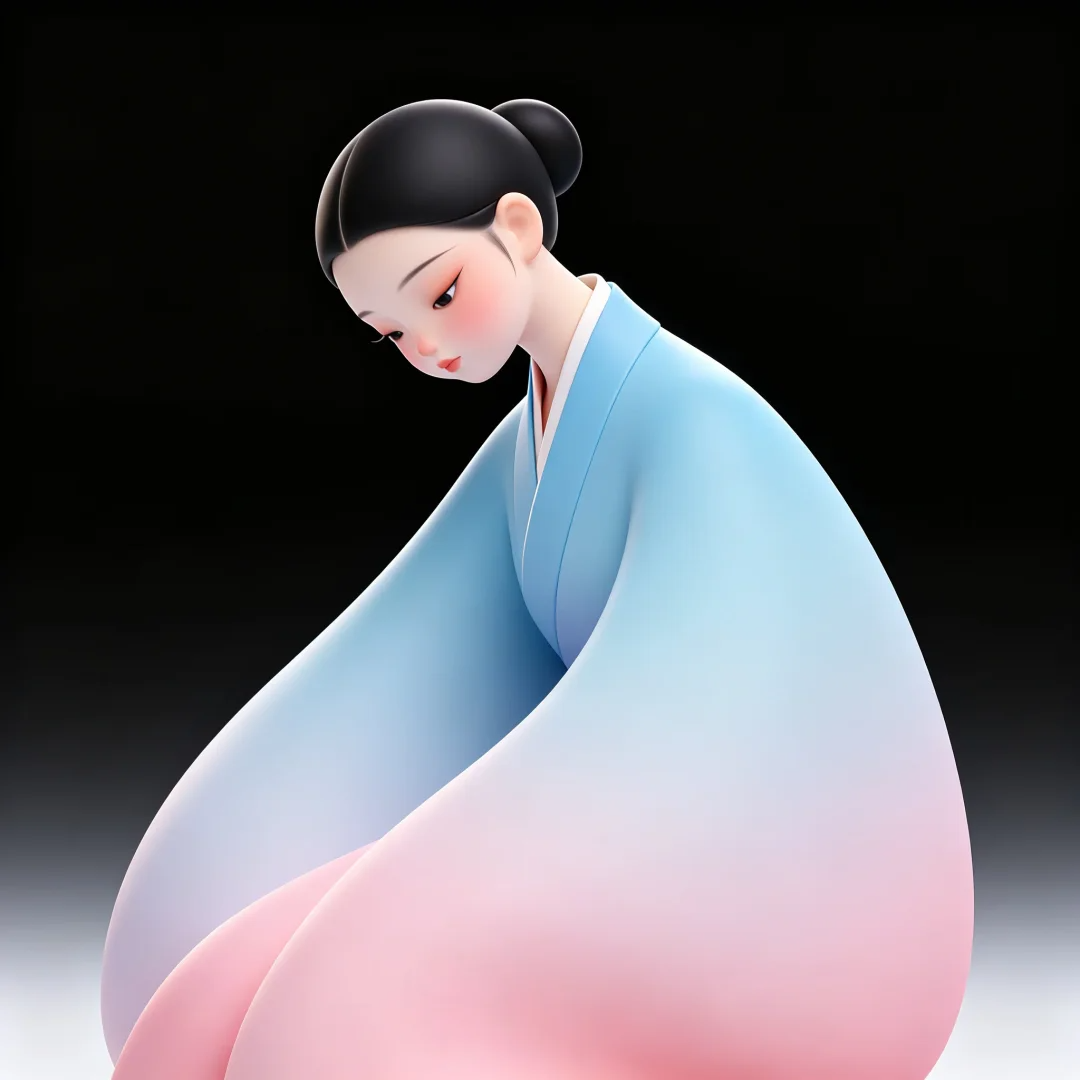
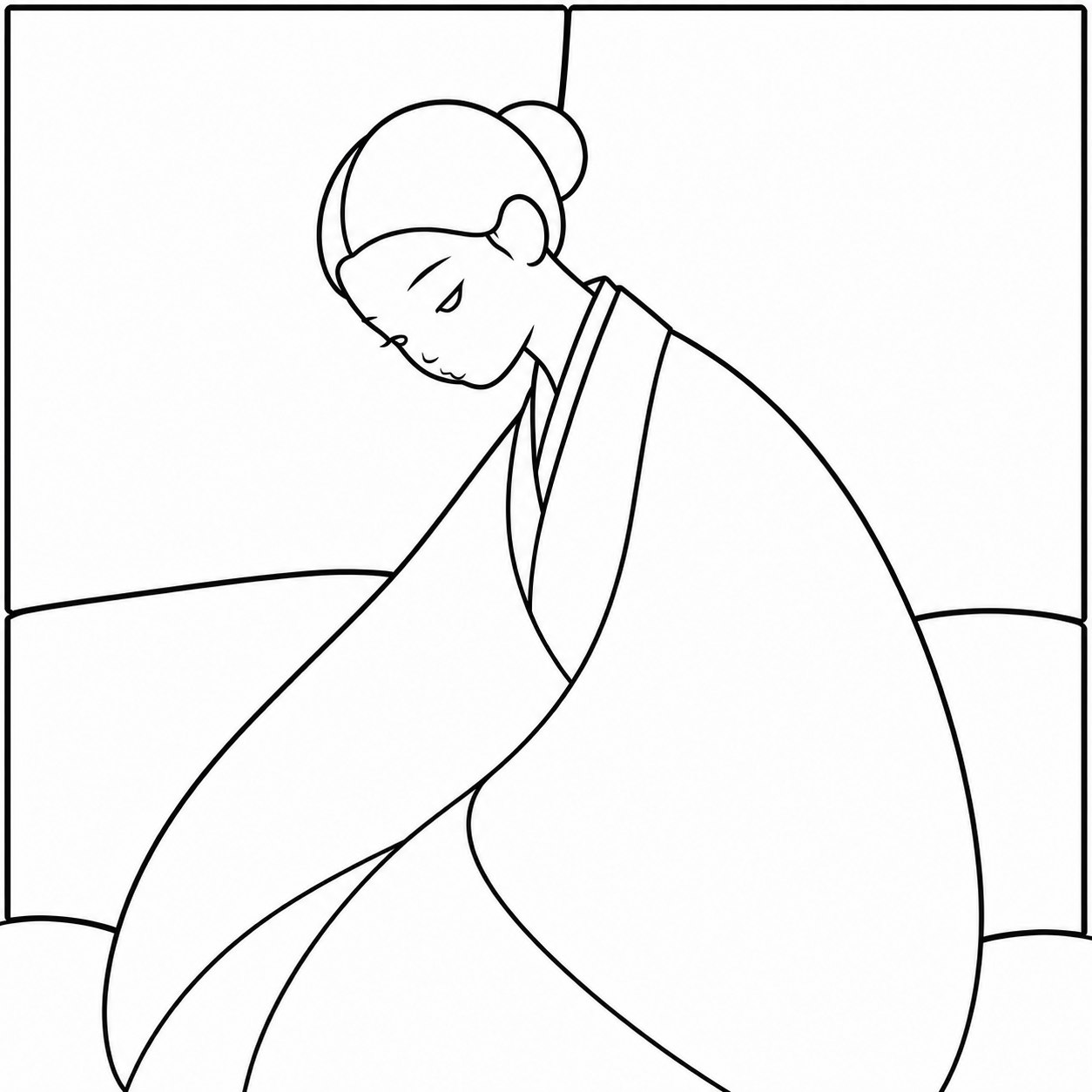
The illustrated example on this page shows a source image alongside its black-line pattern. Soft shading in the robe becomes larger outlined areas, while the face and hair retain a recognizable silhouette. Use the same checks for your own photo: a clear subject, contours you can handle and a balance of detail and simplicity. These images explain the design stage; they do not show a customer’s completed physical kit.
Choose the size and crop
The frame proportions influence which parts of the photo fit. Check the crop before continuing so important features are not lost at the edges. A larger board can provide more space for shapes, but a simpler design is still easier to assemble than one full of narrow slivers and tiny details.
Review the AI-assisted design
The design stage interprets the image into a fabric artwork. Think of this as a design proposal: colors, outlines and small details can change. Review the preview for a recognizable subject, manageable regions and a composition you like. The on-screen image is a preview; physical fabric texture and color may look different.
Review the material kit before ordering
The described kit includes a laser-cut board, matched fabrics and frame. Check the chosen design, dimensions, price, delivery details and order summary in checkout. Design work and material-kit purchase are separate steps; the presence of a generated preview does not mean a physical kit has been ordered.
Make and share the finished piece
Follow your kit instructions, tuck the fabric into the prepared grooves and build the picture area by area. The process is intended for making an artwork by hand rather than receiving a finished print. When you have completed the piece, you can explore the community sharing area for finished work and stories.