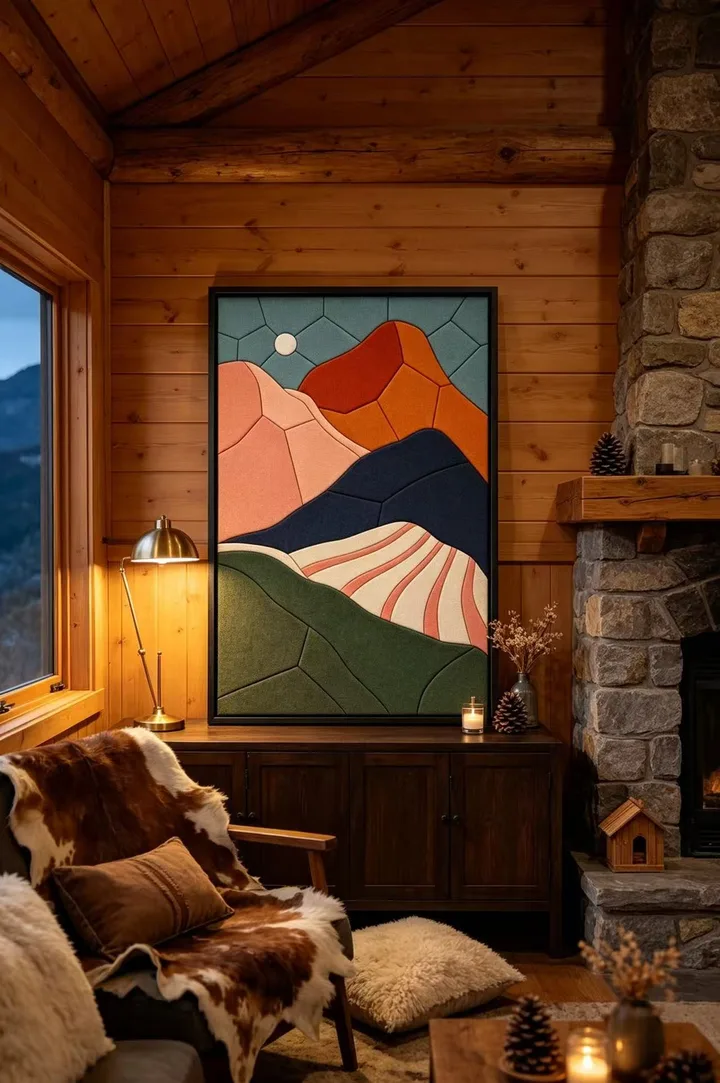
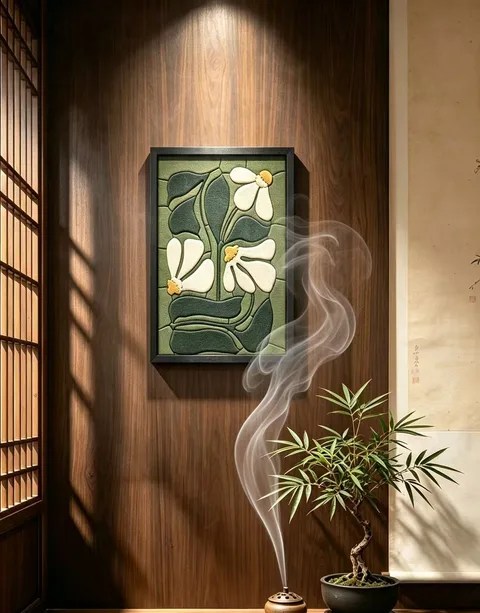
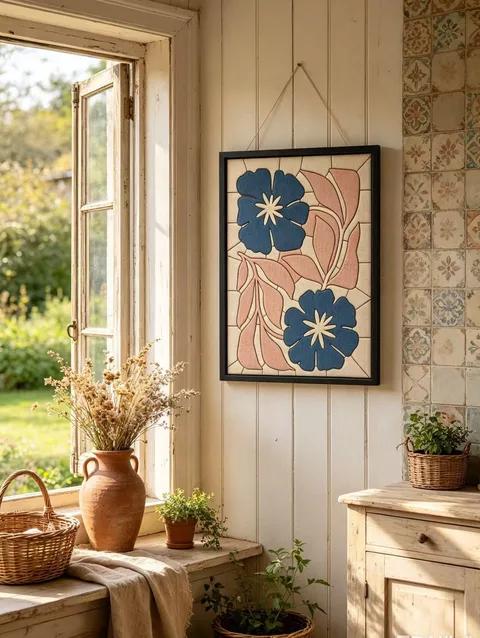
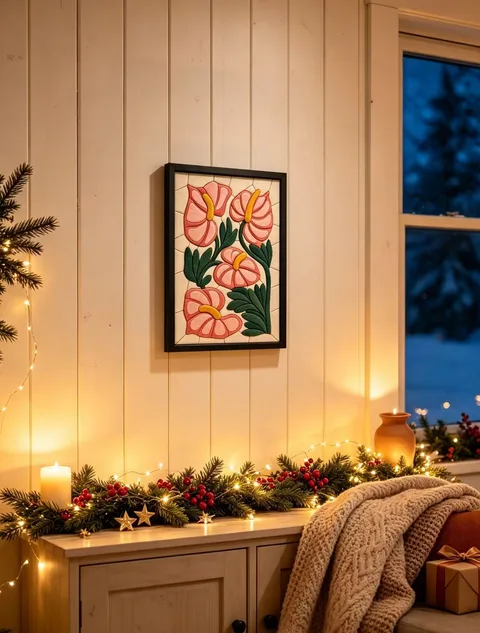
01
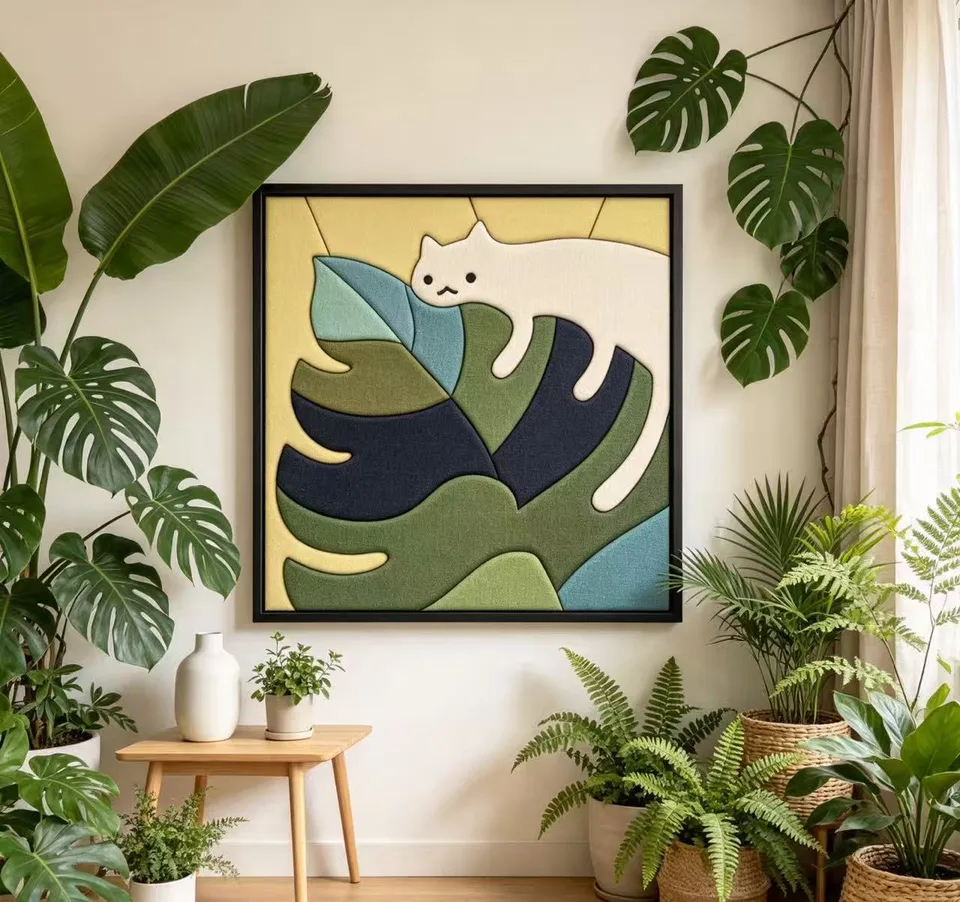
Start with an image you love.
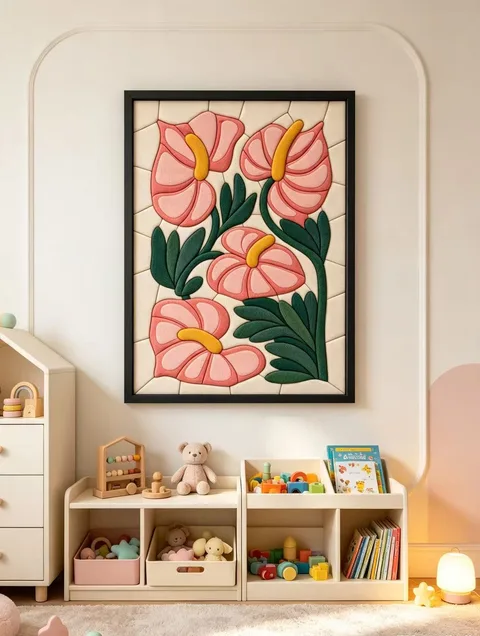
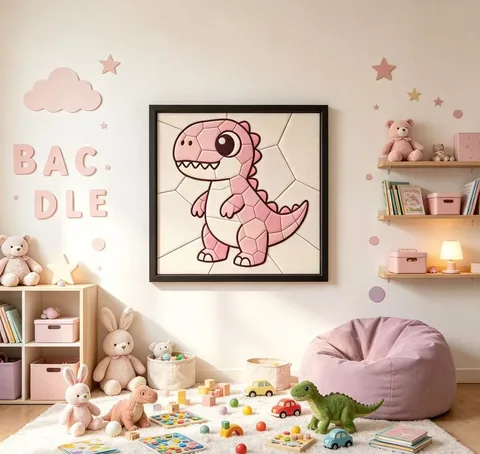
Open My Studio and select Start to Design. Upload a photo, illustration, pet portrait, flower, building, landscape, or character that has a clear subject and personal meaning.
Images that work well
- One clear main subject with a simple background.
- Good contrast between the subject and its surroundings.
- Visible shapes, edges, facial features, petals, or architectural lines.
- Original files with enough resolution to crop without losing detail.
Before you upload
- Avoid very dark, blurry, compressed, or heavily filtered images.
- Avoid crowded group photos unless one subject is clearly dominant.
- Remove private information and only upload images you have permission to use.
- For cartoon IP or recognizable characters, make sure your use is lawful.
02
Design with AI
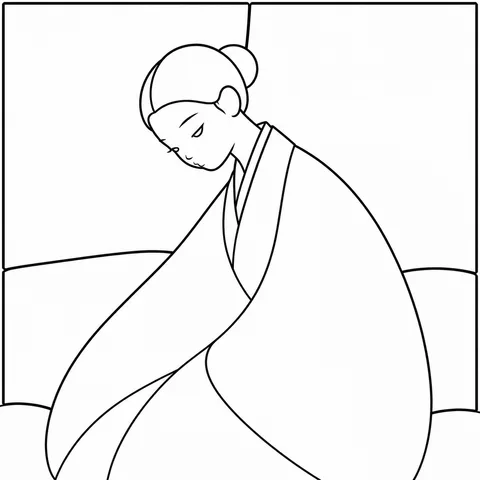
Upload your image, then select the frame size and ratio. Review the crop, flat drawing, topology and black-line design in the conversation.
The piece count is a starting target. Final kit pricing uses the actual closed regions in the finished design. The maker will manually refine the design before cutting.
If generation times out, use the retry option. You can reopen saved designs from Designs → Open design.
03
Choose your material kit
After your effect image is ready, order a matching handmade material kit. Review the contents, selected frame size and $68 USD total, then choose your delivery address.
04
Confirm your address and pay with PayPal
The kit total is $68 USD. Choose a saved address or add a new one, check the details, and place your order.
Your order is saved before payment. Continue to PayPal; production begins after receipt is confirmed. The maker can refine the artwork directly in the order.
Receive an in-app message and email when handmade production is completed and when your order ships. Messages are beside your name on the homepage.
Unpaid orders expire after 24 hours; payments under verification are retained. Confirm completion after arrival, or it completes automatically after three days.
05
Make it piece by piece
When your physical kit arrives, follow the included guide. Cut the fabrics, secure them with the board’s adhesive, and use the pressing needle to tuck each edge into the grooves.
Use the extra fabrics to try variations. Check the edges and fit the work into the frame.
06
Share your finished work
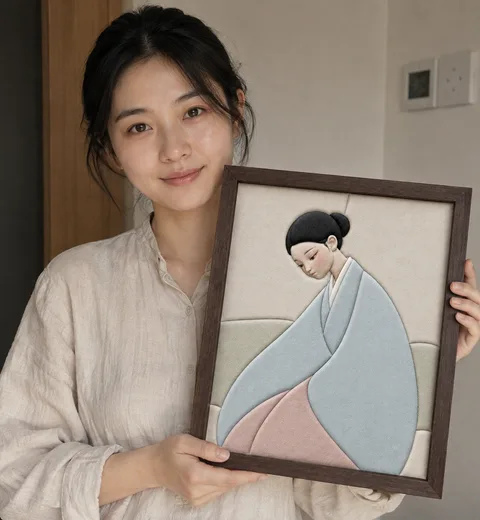
Photograph your finished artwork or record a making video. Show the frame clearly and share what inspired the piece.
The letter in your kit invites you to share a making video. Keep your order information so the maker can review the work for a possible credit reward.
07
Credits for more AI designs
After reviewing a making video, the maker may award extra site credits for generating more AI designs. Rewards require review and are not granted automatically just by posting a video.
Kit discounts, shipping-credit redemption and creator cash payouts are not part of the current checkout.